
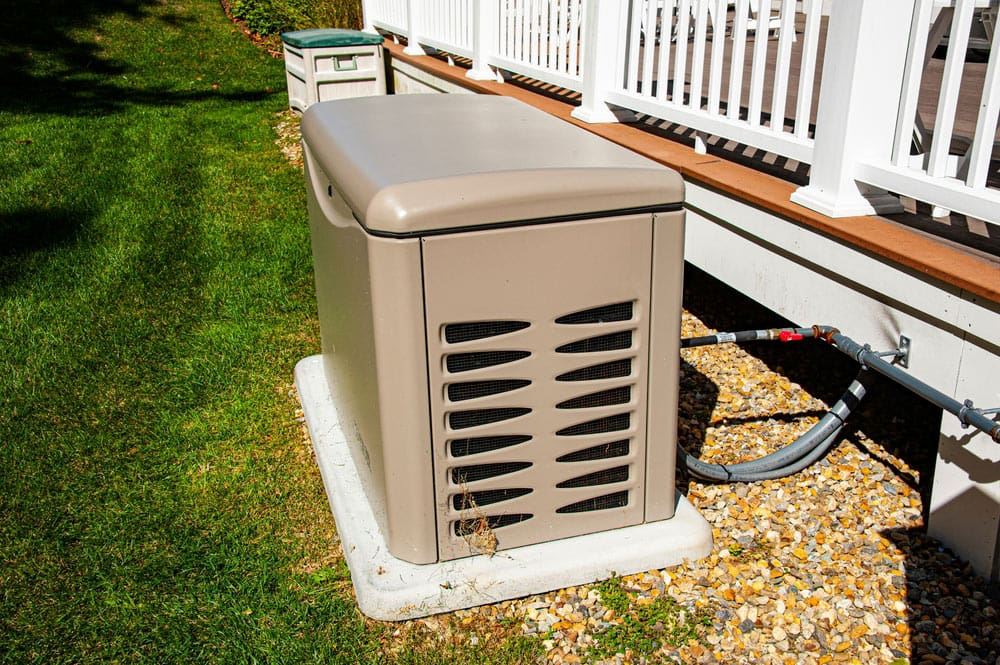
Is your generator shutting off unexpectedly? This frustrating issue can leave you in the dark, literally and figuratively.
You rely on your generator for backup power, and when it fails, it can disrupt your life or work. But don’t worry—there are solutions. You’ll discover practical steps to troubleshoot and fix the problem. We’ll cover common reasons why your generator might be shutting off and provide tips to keep it running smoothly.
By the end, you’ll have the knowledge to tackle this issue head-on and regain control. Let’s dive in and get your generator back on track!
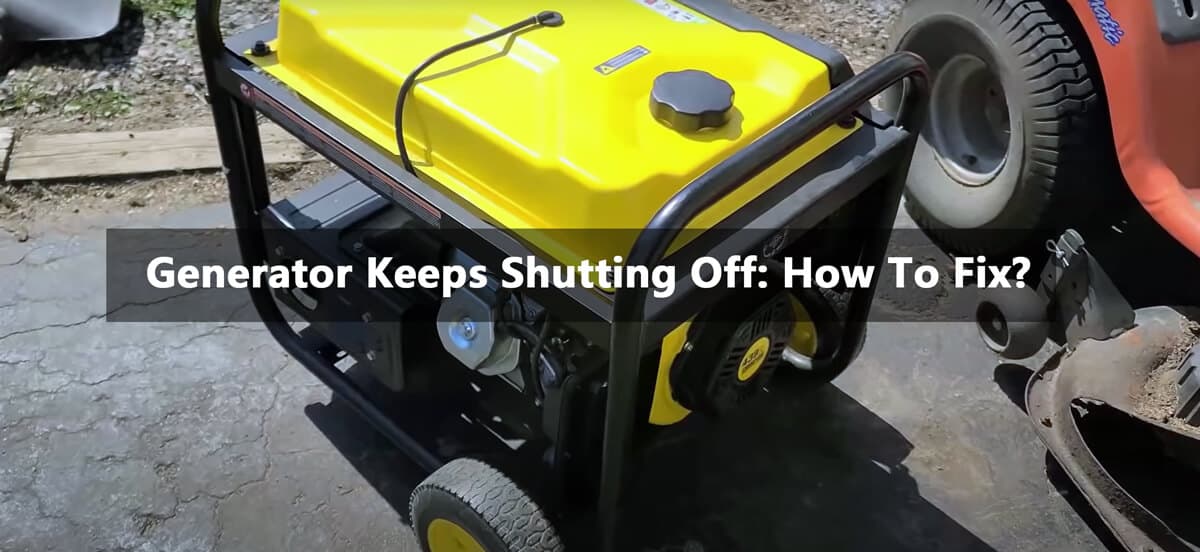
Credit: china-bison.com
Common Causes Of Generator Shutdown
Generators can shut down for many reasons. Understanding these reasons helps you troubleshoot. It also aids in preventing future issues. Here are some common causes of generator shutdown.
Fuel Issues
Fuel problems are a primary cause of shutdowns. Low fuel levels can stop the generator. Contaminated fuel also leads to issues. Always check the fuel gauge. Ensure fuel is clean and adequate.
Overheating
Generators can overheat due to many factors. A clogged air filter restricts airflow. Low oil levels also cause overheating. Regular maintenance keeps the generator cool. Check oil levels and clean air filters often.
Electrical Problems
Faulty wiring can cause unexpected shutdowns. Loose connections may interrupt power flow. Damaged components can also lead to issues. Inspect all wiring regularly. Replace any damaged parts immediately.
Oil Level Issues
Low oil levels can trigger automatic shutdowns. The generator has a safety feature for this. Always check oil levels before starting. Change oil regularly for smooth operation.
Battery Failure
A weak or dead battery can stop the generator. Batteries lose charge over time. Check the battery regularly. Replace it if it shows signs of weakness.
Load Issues
Exceeding the generator’s load capacity causes shutdowns. Check the total wattage of connected devices. Avoid overloading the generator. Use it within its capacity for better performance.
Credit: www.artplumbingandac.com
Checking Fuel And Oil Levels
Generators need fuel and oil to run smoothly. Low levels can cause the generator to shut off. Regular checks help prevent issues. Understanding how to check these levels is important.
Fuel Level Check
First, check the fuel level in the tank. Look for a gauge on the generator. If the gauge shows low, fill the tank with the right fuel type. Use fresh fuel whenever possible. Old fuel can cause starting problems.
Inspecting For Leaks
Check for any fuel leaks. Look around the tank and fuel lines. A leak can lead to low fuel levels quickly. Fix any leaks before using the generator again.
Oil Level Check
Next, check the oil level. Most generators have a dipstick. Pull it out and wipe it clean. Reinsert it to check the oil level. It should be between the marks on the dipstick.
Changing The Oil
If the oil is low or dirty, change it. Follow the manufacturer’s guidelines for oil type. Fresh oil helps the engine run better. Regular oil changes can extend the life of your generator.
Using The Right Fuel And Oil
Always use the correct fuel and oil recommended by the manufacturer. Wrong types can cause damage. Read the user manual for specific details.
Inspecting Air Filter And Intake
The air filter and intake are crucial for your generator’s performance. A clogged filter can restrict airflow. This can cause your generator to shut off unexpectedly. Regular inspection helps ensure smooth operation.
Check The Air Filter
Begin by removing the air filter from the generator. Look for dirt and debris. A dirty filter can block air, leading to shutdowns. Clean or replace the filter as needed. Always use the recommended type for your generator.
Inspect The Air Intake
Next, check the air intake area. Clear any obstructions like leaves or dirt. A clean intake allows proper airflow. Ensure nothing is blocking the intake. This simple step can prevent many issues.
Clean The Filter Regularly
Regular cleaning of the air filter is essential. Dust and dirt build up over time. Schedule inspections every few months. This helps maintain airflow. A clean filter leads to better performance.
Look For Signs Of Damage
Inspect the air filter for tears or holes. Damaged filters can allow dirt into the engine. Replace any damaged filters immediately. Protect your generator’s engine with proper maintenance.
Examining Spark Plug Condition
If your generator keeps shutting off unexpectedly, one crucial area to check is the spark plug condition. The spark plug plays a vital role in igniting the fuel-air mixture in the engine. A faulty spark plug can lead to poor performance and even frequent shutdowns.
Signs Of A Bad Spark Plug
Recognizing a bad spark plug can save you time and frustration. Look for these signs:
- Hard Starting:If your generator struggles to start, the spark plug may be the culprit.
- Rough Idling:If the engine runs unevenly, it could be a sign of spark plug issues.
- Excessive Smoke:Dark smoke from the exhaust indicates incomplete combustion.
How To Inspect Your Spark Plug
Checking your spark plug is straightforward. Here’s how to do it:
- Turn off your generator and let it cool down.
- Remove the spark plug wire carefully.
- Use a spark plug socket to unscrew the spark plug.
Inspect the spark plug for wear and tear. A worn-out spark plug will have a burnt or damaged electrode.
Cleaning Or Replacing The Spark Plug
Sometimes, cleaning the spark plug can restore its function. Use a wire brush to remove carbon buildup. If the spark plug is damaged, replacing it is the best option.
Choosing the right spark plug is crucial. Refer to your generator’s manual for specifications. A mismatched spark plug can lead to more problems.
Prevention Tips For Spark Plug Maintenance
Regular maintenance can prevent spark plug issues. Here are some tips to keep in mind:
- Inspect the spark plug every 50 hours of use.
- Replace it annually or as recommended.
- Keep your generator clean to avoid debris clogging the spark plug.
Have you experienced issues with your generator shutting off? A well-maintained spark plug might just be the solution you need. Don’t overlook this small but essential component in your generator’s performance.
Testing Battery And Connections
Check the battery and connections first. Loose or corroded wires can cause a generator to shut off. Ensure the battery is charged and all connections are tight. This simple step can help keep your generator running smoothly.
Testing the battery and connections of your generator is crucial when it keeps shutting off unexpectedly. A faulty battery or loose connections can lead to power interruptions, leaving you in the dark when you need it most. Let’s dive into how you can effectively test these components to ensure your generator runs smoothly.
Check The Battery Voltage
Begin by checking your battery’s voltage. Use a multimeter to measure the battery’s voltage output. – Normal Voltage: A fully charged battery should read between 12.6 and 12.8 volts. – Low Voltage: Anything below 12.4 volts indicates a need for charging or replacement. If your battery voltage is low, try charging it first. If it doesn’t hold a charge, consider replacing it.
Inspect Battery Connections
Next, inspect the battery connections. Loose or corroded connections can cause your generator to shut off. – Tighten Connections: Ensure all connections are tight and secure. Use a wrench to tighten any loose terminals. – Clean Corrosion: If you see any corrosion on the terminals, clean it with a mixture of baking soda and water. Rinse with plain water and dry thoroughly. Taking the time to clean and secure these connections can make a significant difference in your generator’s performance.
Test For Grounding Issues
Grounding issues can also lead to generator shutdowns. Check that your generator is properly grounded. – Ground Wire: Ensure the ground wire is connected securely to the generator frame. – Grounding Rod: If you’re using a grounding rod, ensure it’s driven deep enough into the ground. A good grounding system prevents electrical issues and promotes safe operation.
Evaluate Battery Age
Consider the age of your battery. Most lead-acid batteries last about three to five years. – Battery Replacement: If your battery is older than this, it may be time for a replacement. – Signs of Wear: Look for signs like swelling or leaks. These are indicators of a failing battery. Replacing an old battery can often solve persistent shutdown problems. Testing the battery and connections can often resolve issues with your generator. Have you ever experienced a frustrating shutdown during a crucial moment? Addressing these components can lead to a more reliable power source.
Assessing Overload Protection
Your generator may shut off due to overload protection. This safety feature helps prevent damage. Understanding it is key to solving your problem.
Understanding Overload Protection
Overload protection stops the generator from working too hard. It monitors the load. If the load exceeds the limit, the generator shuts down. This helps avoid overheating.
Check The Load Capacity
Every generator has a load capacity. This tells you how much power it can handle. Check the generator’s manual for this information. Ensure you do not exceed this limit.
Disconnect Unnecessary Appliances
Look at what is plugged into the generator. Disconnect any devices that are not needed. This reduces the load on the generator. It might help it stay on longer.
Use Smaller Devices
Consider using smaller appliances. They require less power. This can keep the generator running smoothly. Choose devices that fit within the capacity.
Inspect For Faulty Equipment
Faulty devices can cause overload. Inspect all connected equipment. Look for damaged cords or broken plugs. Replace any faulty items before using the generator again.
Regular Maintenance Checks
Regular maintenance can help prevent issues. Clean the generator and check all parts. Ensure everything is working properly. This can improve performance and safety.
Evaluating Wiring And Components
When your generator keeps shutting off, it can be incredibly frustrating. One critical area to examine is the wiring and components. Faulty connections or damaged parts can disrupt the flow of electricity, causing your generator to stall. Here’s how to evaluate these crucial elements effectively.
Inspecting The Wiring
Start by visually inspecting the wiring for any signs of damage. Look for frayed wires, burnt insulation, or loose connections. These issues can prevent your generator from running smoothly.
Use a multimeter to check for continuity in the wires. If you find any breaks in the circuit, you’ll need to replace those sections immediately. You can do this yourself if you’re comfortable with basic electrical work.
Checking The Fuel System Connections
Your generator relies on a proper fuel system to function. Make sure all fuel lines are securely connected and free of leaks. A simple leak can cause the generator to shut down unexpectedly.
Inspect the fuel filter and replace it if it appears clogged or dirty. A clean fuel system ensures that your generator receives the right amount of fuel to operate efficiently.
Examining Electrical Components
Electrical components like the spark plug and battery are essential for your generator’s operation. Check the spark plug for wear or carbon buildup. A faulty spark plug can lead to poor ignition, causing your generator to shut off.
Don’t overlook the battery. Ensure it’s fully charged and the terminals are clean and tight. A weak battery can result in starting issues that lead to shutdowns.
Evaluating The Control Panel
The control panel houses critical switches and indicators. Ensure that all switches are functioning correctly and that there are no warning lights illuminated. A malfunctioning panel can mislead you about the generator’s status.
Consider resetting the control panel if you notice anything unusual. This simple step can sometimes restore your generator to normal operation.
By taking the time to evaluate the wiring and components, you can often pinpoint the cause of your generator’s issues. Remember, a little troubleshooting can save you from larger problems down the road. What steps will you take first to ensure your generator runs smoothly?
Resetting The Generator Safely
Generators can shut off unexpectedly. This can be frustrating and stressful. Knowing how to reset your generator safely is important. Follow these steps to ensure you do it correctly.
Turn Off All Appliances
Before resetting, turn off all connected appliances. This prevents overload. It also protects your devices from damage. Wait a moment to let the generator settle.
Locate The Reset Button
Most generators have a reset button. Look for it on the control panel. This button may be labeled as “reset” or “overload.” Finding it is a crucial step.
Press The Reset Button
Once you find the button, press it firmly. This action resets the generator’s internal circuit. Wait for a few seconds before proceeding.
Check Fuel And Oil Levels
Low fuel or oil can cause shutdowns. Check both levels before restarting. Fill up if needed. A well-maintained generator runs better.
Restart The Generator
After pressing the reset button, turn the generator back on. Start with the main power switch. Then switch on the breakers slowly. This helps avoid overload.
Monitor The Generator
Keep an eye on the generator as it runs. Listen for unusual noises. Check for any warning lights. This helps catch problems early.
Preventive Maintenance Tips
Generators can shut off for various reasons. Check the fuel level first. Clean or replace the air filter regularly. Inspect the spark plug and battery connections. These simple steps can help keep your generator running smoothly. Regular checks ensure better performance and fewer shutdowns.
Preventive maintenance is essential to keep your generator running smoothly and prevent unexpected shutdowns. A well-maintained generator not only performs better but also lasts longer, saving you time and money in the long run. Here are some practical tips to help you keep your generator in top shape.
Regularly Change The Oil
Changing the oil in your generator is crucial. Over time, oil breaks down and loses its effectiveness. – Check the oil level regularly. – Replace the oil every 50 to 100 hours of operation. – Use the type of oil recommended by the manufacturer. You’ll notice a significant improvement in performance with fresh oil.
Inspect And Replace Air Filters
Clogged air filters can lead to engine problems. It’s essential to keep them clean. – Inspect your air filter every month. – Clean it if it’s reusable or replace it if it’s too dirty. A clean air filter ensures your generator gets enough air to run efficiently. How often do you check yours?
Check Fuel Quality
Fuel quality directly impacts generator performance. Old or contaminated fuel can cause the generator to shut off unexpectedly. – Use fresh fuel and avoid letting it sit for too long. – Add a fuel stabilizer if you store fuel for an extended period. Keep an eye on the fuel gauge and refill promptly to avoid running on empty.
Examine The Battery
The battery is the heart of your generator’s starting system. A weak battery can lead to frustrating shutdowns. – Check battery connections for corrosion. – Ensure the battery is charged regularly. Replace the battery every few years to avoid surprises during a power outage.
Schedule Professional Inspections
Even with regular maintenance, professional inspections can catch issues you might miss. – Schedule annual check-ups with a qualified technician. – Discuss any unusual sounds or performance issues. These experts can provide insights that help extend the life of your generator. Taking these preventive maintenance steps can make a world of difference. Your generator deserves the best care to perform when you need it most. What maintenance task will you prioritize this month?
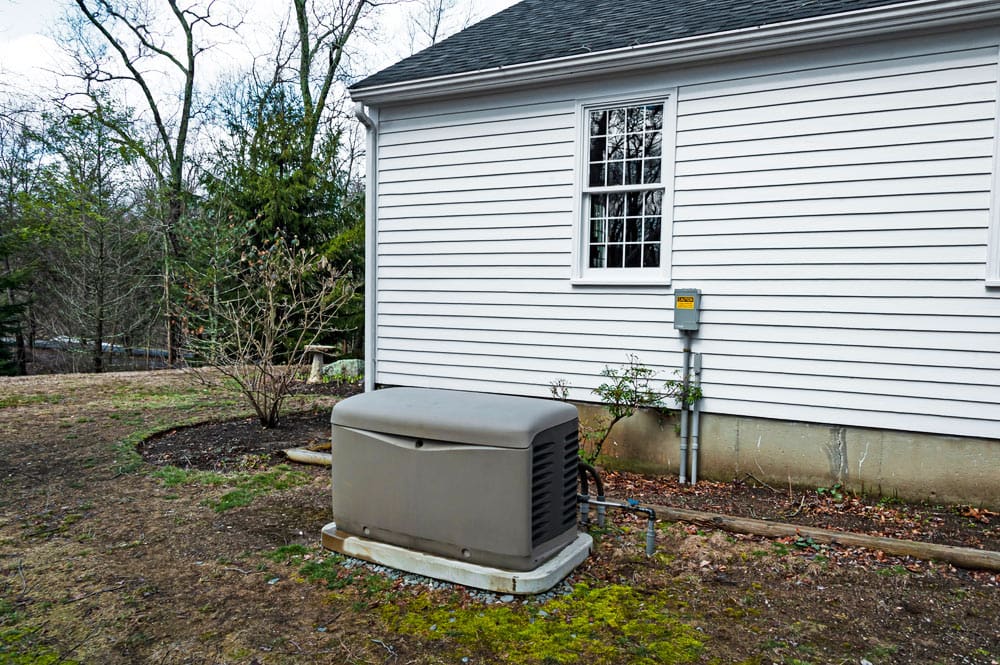
Credit: myreliablepower.com
Frequently Asked Questions
Why Does My Generator Keep Shutting Off?
Generators can shut off for various reasons, including low fuel levels, dirty air filters, or overheating. Always check the fuel gauge first. If the fuel is adequate, inspect the air filter and ensure proper ventilation. Regular maintenance can prevent these issues from recurring.
How Can I Fix My Generator Shutting Off?
To fix a generator that shuts off, start by checking the fuel supply. Ensure there are no clogs in the fuel line. Clean or replace the air filter and check the oil levels. If problems persist, consult the user manual or seek professional help.
What Maintenance Prevents Generator Shutdowns?
Regular maintenance is crucial for preventing generator shutdowns. Change the oil and replace air filters routinely. Inspect fuel lines and connections for leaks or blockages. Keeping the generator clean and ensuring proper ventilation will also help maintain optimal performance.
Can Low Oil Cause A Generator To Shut Off?
Yes, low oil levels can cause a generator to shut off automatically. Most generators have a safety feature that stops operation when oil is low. Always check oil levels regularly and refill as needed to ensure safe and efficient operation.
Conclusion
A generator shutting off can be frustrating. It often points to issues needing attention. Check fuel levels, connections, and filters first. Regular maintenance can prevent many problems. If troubleshooting doesn’t help, seek professional assistance. Keeping your generator in good shape ensures reliable power.
A little care goes a long way. Stay prepared for any power outage. Understanding your generator’s needs will help you keep it running smoothly.