
The Anker SOLIX F3800 Plus is a large battery power station with 3,840Wh nominal capacity and a 6,000W AC output rating for the North American model. Its useful backup duration depends on the energy consumed, while its ability to start and run equipment depends on voltage, outlet limits and operating mode. Treat those as separate decisions before buying.
This research-based guide uses manufacturer product and technical documents checked October 14, 2026. It is not a hands-on review. The runtime examples below are transparent calculations with hypothetical loads and losses, not measurements from an F3800 Plus test unit. It focuses on the Plus model; the original F3800 has different charging hardware.
Read the model and core ratings first
| Item | US product-page specification |
|---|---|
| Nominal battery energy | 3,840Wh |
| Battery chemistry | LFP |
| Maximum total AC output | 6,000W |
| Dual-voltage output | 120V / 240V, subject to operating mode |
| Standard AC charging | Up to 1,800W |
| Solar input | Two inputs, up to 1,600W each / 3,200W total |
| Weight shown on product page | 136.7lb |
These are manufacturer ratings, not a promise that every connected appliance receives 6,000W. An individual outlet or group has its own limit. The product page also states that 240V output cannot be used while charging through the 120V AC input.
Confirm the Plus name on the model and order. Anker’s separate support answer says the original F3800 cannot be converted into an F3800 Plus by firmware because of hardware limitations. If you already own the earlier model, our original F3800 guide identifies that separate product; verify current specifications before applying Plus instructions to it.
Build a backup plan in watt-hours
Start with the equipment you actually need during an outage. For each device, record its measured or documented average draw and the hours it must operate. Multiply watts by hours to obtain watt-hours, then add the results. Keep startup demand on a separate list because a brief motor start can be important even when its energy consumption is small.
| Hypothetical essential load | Average draw | Duration | Energy |
|---|---|---|---|
| Communications equipment | 25W | 12 hours | 300Wh |
| Lights | 30W | 5 hours | 150Wh |
| Computer | 80W | 4 hours | 320Wh |
| Refrigeration, assumed time average | 100W | 12 hours | 1,200Wh |
| Total | 1,970Wh |
These numbers are examples, not typical-consumption guarantees for your appliances. A refrigerator’s compressor cycles; its nameplate draw is not automatically its all-day average. Measure a representative period when possible, and remember that hotter weather or a different usage pattern can change the result.
The example needs 1,970Wh at the loads. If you assume that 80% of nominal battery energy is usable for this exercise, 3,840 × 0.80 gives 3,072Wh. The arithmetic leaves 1,102Wh between that hypothetical usable budget and the example demand. That margin is not a measured reserve or a guarantee of overnight performance.
Adding a 1,500W heater for two hours adds 3,000Wh. The same plan then requires 4,970Wh, exceeding the example’s 3,072Wh budget. This shows why a large inverter rating does not make high-power heating economical in battery-energy terms.
Calculate runtime with clearly stated assumptions
For a constant load, divide usable watt-hours by average watts. Using the same illustrative 80% factor gives the following estimates. The factor includes an assumed allowance for losses and reserve; it is not an Anker efficiency specification.
| Constant hypothetical load | Calculation | Illustrative duration |
|---|---|---|
| 100W | 3,072 ÷ 100 | 30.72 hours |
| 500W | 3,072 ÷ 500 | 6.14 hours |
| 1,000W | 3,072 ÷ 1,000 | 3.07 hours |
| 3,000W | 3,072 ÷ 3,000 | 1.02 hours |
Test the sensitivity instead of trusting one decimal figure. At 500W, an assumed 70% usable fraction gives 2,688 ÷ 500 = 5.38 hours; an assumed 90% gives 3,456 ÷ 500 = 6.91 hours. Real operation can sit outside this simple range because idle consumption, temperature, battery condition and changing loads matter.
For an eight-hour target at the assumed 3,072Wh budget, the average load would need to stay at or below 384W before any additional margin. For twelve hours, that figure becomes 256W. Work backward from the required duration rather than selecting appliances solely because their individual wattages fit the inverter.
Our Explorer 5000 Plus planning guide provides a separate larger-capacity comparison. Compare the same essential-load budget across products and then investigate outlet and installation differences; nominal capacity alone is not a complete buying decision.
Expansion and higher output are different upgrades
Anker’s technical guide describes one F3800 Plus accepting up to six BP3800 expansion batteries, with each pack rated 3,840Wh. The nominal arithmetic for one base plus one pack is 7,680Wh; one base plus six packs totals 26,880Wh, approximately 26.9kWh.
An added battery extends the energy budget. It does not, by itself, turn a single 6,000W inverter into a 12,000W inverter. The manufacturer describes a two-station arrangement with the appropriate Double Power Hub for higher output. Budget for the actual system and accessories rather than treating all expansion configurations as interchangeable.
Consider expansion after identifying the shortage. If the essential loads fit the available output but do not last long enough, energy is the problem. If a particular motor cannot start or the needed voltage is unavailable in the intended mode, additional watt-hours may not resolve it.
Charging: distinguish the source from the output mode
The manufacturer’s technical documents distinguish ordinary wall charging, solar inputs and a compatible generator connection using the specified adapter. Its product page’s 6,000W generator headline has configuration qualifications; do not expect that charging rate from every generator, cable or battery arrangement.
There is an important document discrepancy to resolve before planning fast charging. The product page says 3,300W for a single unit and up to 6,000W with one or more expansion batteries. The technical design guide checked here specifies 3,300W with none, 4,300W with one and 6,000W with two. Confirm the current applicable configuration and firmware with Anker before relying on the higher rate.
As planning arithmetic only, 3,840Wh divided by 1,800W equals 2.13 hours. That is an ideal energy/input ratio, not a promised full recharge time. Charging control, losses, battery starting percentage and simultaneous loads change the time. If you need a daily refill schedule, measure the configuration you will actually use.
Solar planning needs electrical compatibility
The US specification lists each solar input at 11–165V, 17A maximum and 1,600W maximum. A panel’s advertised wattage does not establish that its voltage, current and connector arrangement are compatible. Have the proposed array assessed against the current manual rather than adding panels until the watts look sufficient.
For an energy-budget illustration, a hypothetical sustained 800W input for four hours collects 3,200Wh before charging losses and any simultaneous consumption. If a load averages 200W over those same four hours, it uses 800Wh, leaving a gross 2,400Wh balance before other losses. This is why sunlight hours and concurrent use matter as much as an input ceiling.
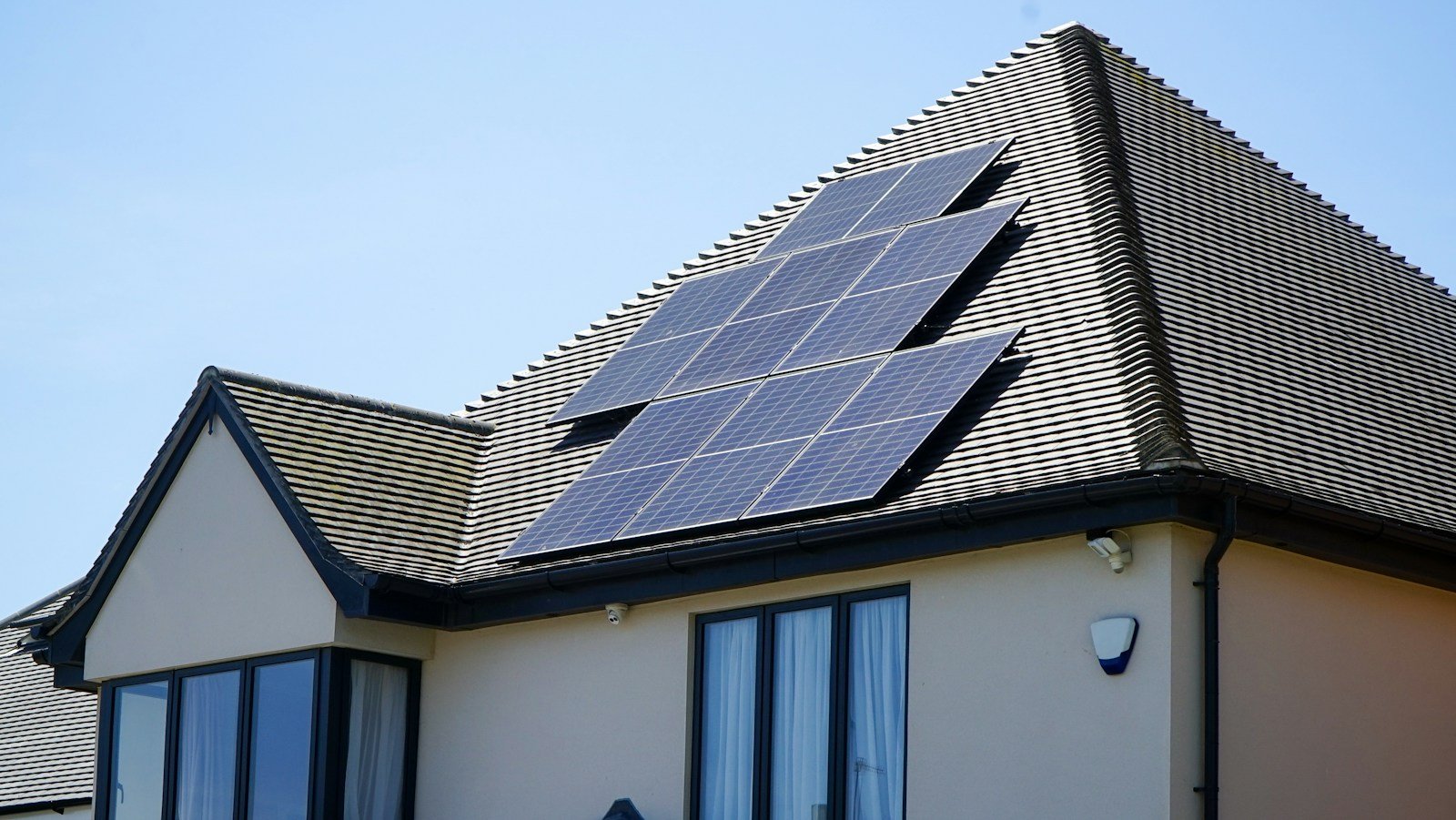
The photograph accompanying this guide illustrates household solar planning. It does not show an F3800 Plus installation or establish that an existing rooftop array works during an outage. Ask the installer to document the charging route and outage behavior for your actual system.
Household circuits require a separate installation decision
Anker’s official US documentation describes using the F3800 Plus with Home Power Panel for energy cycling or a transfer switch for emergency backup. It explicitly requires an electrician or qualified electrical professional for the F3800 and Home Power Panel installation. Portable appliance use and connection to household circuits are different tasks.
Do not connect a power station to an ordinary wall outlet to energize household wiring. Ask the installer to specify the transfer equipment, approved cables, circuit selection and shutdown procedure. For motor loads, identify voltage and startup requirements; our well-pump sizing guide discusses why running watts alone are insufficient.
A useful installation quote should distinguish the station, batteries, transfer or panel equipment, labor and any required electrical work. Compare the complete usable setup rather than only the price of the battery. Do not assume a promotional bundle contains every item required for your home.
Firmware and first-use verification
Anker’s June 27, 2025 firmware article describes reducing idle consumption and points users to Settings in the Anker app, then Device Info to check the firmware version and available update. Treat its percentage improvements as manufacturer claims, not an independent runtime result for your equipment.
Check for the update offered to your own model and follow its on-screen conditions. Schedule it while normal power is available and the essential loads have another supply. After updating, repeat the relevant backup test rather than assuming every prior behavior remains identical.
- Record the exact station, expansion packs and accessories.
- Confirm the intended charging source and outlet configuration.
- Test a modest essential load first.
- Add the actual planned loads within documented limits.
- Observe startup behavior and any interruption during the approved supply change.
- Record starting charge, elapsed time, loads and ending charge.
- Retain the results and shutdown instructions for other household members.
A displayed battery percentage is useful, but the more relevant result is whether the equipment operates reliably for the required duration. Treat any unexplained trip or loss of output as a reason to stop and investigate the configuration, not to repeatedly reset a protective limit.
Generator charging retains generator safety requirements
If the charging plan uses a fuel-powered generator, its engine still produces carbon monoxide. CDC directs users to operate generators outdoors more than 20 feet from windows, doors and vents, never inside a home or garage even with openings left open. Use functioning battery-powered or battery-backup CO detectors in the home.
The battery station’s location does not make an unsafe generator location acceptable. Follow the generator manual, the approved Anker connection instructions and the installer’s plan. Keep the engine and its exhaust separated from occupied spaces while maintaining the required electrical connection safely.
Frequently asked questions
Can one F3800 Plus run the whole house indefinitely?
No such result follows from the rating. Determine simultaneous power, total energy, outlet modes and replenishment. The examples show how a modest essential-load plan differs from heating or other heavy consumption.
Can firmware turn the original F3800 into a Plus?
Anker says no because the relevant differences are physical hardware limitations.
Is an expansion pack the same as a second station?
No. Separate the added stored energy from the inverter output and required system accessories.
Does this guide report measured battery efficiency?
No. Every usable-energy factor and runtime table is explicitly hypothetical. Verify your own loads with a controlled first-use test.
Official references
- Anker US F3800 Plus specifications and configuration notes
- Anker F3800 Plus technical brief and design guide
- Anker US installation-document hub
- Original F3800 hardware-upgrade limitation
- Firmware and idle-consumption update
- CDC generator carbon monoxide guidance
Photo: Watt A Lot / Unsplash. Editorial solar-roof photograph; not an Anker installation or product-test photograph.