
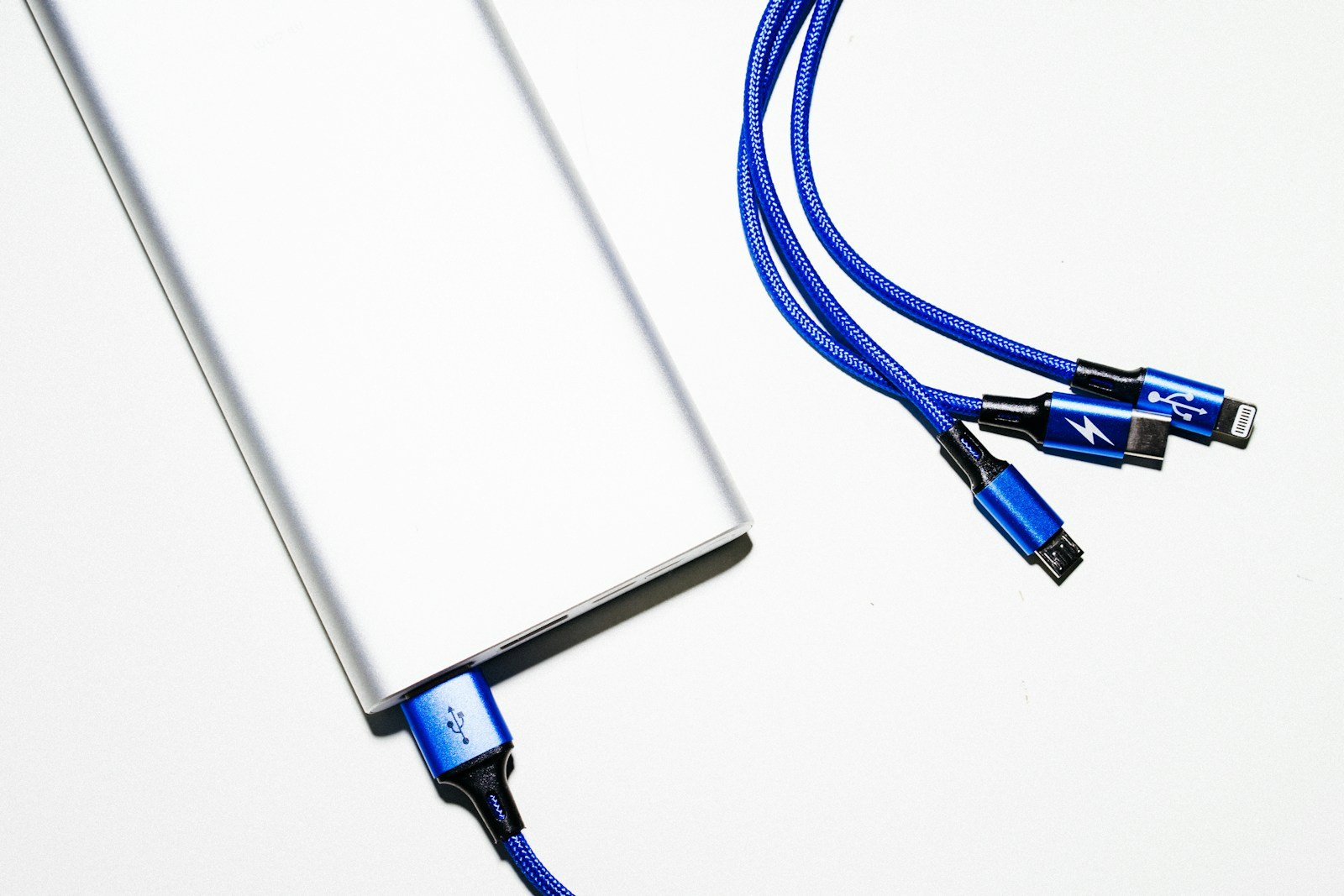
A power bank that will not charge can have two different problems: the bank itself will not refill from a wall charger, or a charged bank will not supply a phone. Identify which direction has failed before buying cables or attempting a reset. The useful first checks are the exact model, its designated input port, a compatible wall charger, and a cable that works in the same charging setup.
This guide is a research-based troubleshooting workflow, not a hands-on test of your battery. Use the manufacturer’s instructions for your model, and stop troubleshooting if the case is swollen, damaged, leaking, unusually hot, or subject to a recall. A failed charging attempt is not a reason to open a lithium battery pack.
Start with a simple symptom record
Write down the model number from the label rather than relying on the product’s advertised capacity. Photograph the input/output specifications and note what the indicators do when you connect power. “One light flashes” is more useful to support than “it is broken,” especially when the same brand sells several generations with different ports.
Separate your observations into three questions: Does the bank accept a charge? Does it charge a second device? Does the original phone charge directly from the wall using that cable? These comparisons help isolate the failed part without assuming the battery is the cause. Record the charger model and cable type alongside the results.
Check safety and recall status before another charging attempt
Look up the model and serial number on the manufacturer’s official recall page and the US Consumer Product Safety Commission website. A recall check should precede a reset, because making an affected product appear to work does not resolve the recall. Follow the specific notice if your unit qualifies.
For example, Anker’s selected power-bank recall page provides a model and serial-number checking process and handling instructions. Do not assume every product from that brand is affected, and do not assume an unfamiliar model is safe simply because it is absent from one particular notice. Check the current notice for your exact unit.
If a pack is recalled, follow the notice’s disposal process. Anker warns against putting recalled lithium batteries into ordinary trash or standard recycling collection points. Contact the specified collection facility before taking it there. Do not mail a suspect battery back using an ordinary return label unless the manufacturer has provided an approved procedure for that battery.
If the power bank itself will not recharge
1. Confirm that the port accepts input
Find the manual’s port diagram. A connector’s physical shape does not establish whether that particular port accepts charging input. Some banks have a dedicated input, while others use a USB-C port for both directions. Follow the label and manual rather than moving a cable randomly among all available openings.
Remove phones and accessories while diagnosing the input problem. This gives you a cleaner observation: one wall charger, one cable, and one bank. Whether your model supports charging other devices while refilling is a separate question. Do not assume pass-through charging is supported just because both cables can be connected.
2. Compare the wall charger and cable separately
Anker’s power-bank charging guide identifies cables, ports, and charger compatibility as possible causes. Begin with a compatible cable known to work, then try a compatible wall charger. Change one component at a time so that you can identify which change made a difference.
For example, label your original cable A and a working alternative B. Try A with the recommended charger, then B with that same charger. If B works, do not immediately buy a new bank. Repeat the comparison once using the correct port and document the result. This is a proposed diagnostic comparison, not a claim that we tested those accessories.
Read the charger’s output specifications and the bank’s input specifications together. A high number printed on a charger does not establish that every connected device will receive that number. Ask the manufacturer to confirm compatibility when the supported charging profiles are unclear; do not substitute an unrelated adapter because its connector happens to fit.
3. Inspect connections without opening the battery
Disconnect everything and visually check the cable ends and charging socket. Look for obvious deformation, a loose connector, contamination, or a cable that no longer seats normally. Do not force a connector, scrape contacts with a metal object, or add liquid to a port. Follow the model’s cleaning instructions or ask support when contamination is inside the socket.
If the plug works only while bent or held at an angle, document that behavior and stop treating it as a normal charging arrangement. The useful support question is whether the cable or socket needs replacement or service. Holding a connection in place overnight is not a reliable diagnosis.
4. Use the specified temperature and charging guidance
Check the manual for charging-temperature limits, normal indicator behavior, and expected charging conditions. Do not invent a universal waiting period or temperature range. A bank recently left in a hot car or cold environment needs the manufacturer’s handling guidance before another charging attempt; do not use a freezer, heater, or other forced-temperature method to revive it.
Watch for the normal charging indication described by the manual. A percentage display, flashing indicator, or dark screen may have different meanings across models. If the instructions do not explain what you see, take a short video for support instead of repeatedly reconnecting the cable and guessing that each flash proves charging.
If the bank recharges but will not charge your phone
Start by checking whether the phone charges from a suitable wall charger using the same cable. Then try another compatible device on the power bank. These two observations separate a phone/cable problem from a possible bank-output problem. Avoid interpreting one failed phone connection as proof that the battery pack has failed completely.
Use the designated output port and check whether the manual requires pressing a button to start output. If multiple devices are connected, disconnect them and test one device by itself. Review the model’s shared-output rules before expecting the same charging performance with every port occupied.
Small accessories can need a model-specific low-current or trickle-charging mode. Confirm that the bank offers that feature and follow its activation instructions. A mode intended for earbuds or a watch is not a universal fix for a phone or laptop that refuses to charge.
For laptop problems, compare the laptop’s charging requirements with the bank’s supported output and the cable’s rating. “It charges my phone” does not prove that the setup meets a laptop’s needs. If your goal is broader backup power, our Anker SOLIX C300 DC guide discusses a different portable-power category; it should not be mistaken for a diagnosis of a small USB bank.
Reset only when the exact model supports the procedure
There is no single reset method that should be applied to every power bank. Anker publishes charging-issue instructions, but a manufacturer’s procedure must be matched to the product it covers. A generic internet video is not enough reason to bridge ports or hold buttons for an invented duration.
Before resetting, collect your symptom record, disconnect accessories, and locate the model’s official instructions. Perform only the documented procedure. If the instructions are missing or contradictory, ask support to confirm them in writing. A reset that does not change the behavior should lead to further diagnosis, rather than a sequence of increasingly improvised attempts.
A troubleshooting log that makes warranty support easier
Create a short note with five fields: model and serial number, purchase date, observed symptom, compatible accessories tried, and the result of each comparison. Keep serial numbers private when posting public questions. Send them only through the manufacturer’s official support channel when required.
An illustrative entry might read: “Bank refills normally through its designated USB-C input. Phone charges from the wall using cable B. Phone does not charge from bank output with cable A or B. No visible case damage. Official reset completed as instructed, with no change.” That is much more actionable than a list of speculative causes.
Ask whether warranty service, a replacement cable, or replacement of the entire unit is appropriate. Do not promise yourself a free replacement before checking coverage and purchase requirements. A seller’s return window and a manufacturer’s warranty are separate policies, and neither is established by the troubleshooting steps in this guide.
When replacement is the practical next step
Replacement becomes a reasonable option when official support identifies a failed pack, when repair is unavailable, or when the cost and inconvenience of approved service exceed the value of keeping the unit. Choose based on the devices you actually need to charge, supported input/output, and documented travel restrictions rather than capacity marketing alone.
A larger power station is not automatically the right replacement for a phone charger. Our Jackery Explorer 500 guide explains a larger battery-powered product with different uses and limitations. Keep the purchase decision separate from the troubleshooting decision: first determine what failed, then decide what size of backup you need.
Frequently asked questions
Does a blinking light mean the bank is charging?
Only the model’s indicator guide can establish that. Record the flash pattern and check the manual. A light is an observation; without the corresponding instructions it is not a diagnosis of battery condition or a guarantee that charging is progressing.
Should I leave an unresponsive bank plugged in overnight?
Do not use an arbitrary overnight wait as a substitute for the manufacturer’s instructions. Confirm the correct input, charger, cable, and permitted charging conditions first. Stop if the pack is damaged, recalled, or behaving abnormally, and ask official support how to proceed.
Can I repair the cells myself?
This workflow does not recommend opening the case, replacing cells, bypassing protection circuitry, or jump-starting a pack. The practical consumer path is external accessory checks, model-specific instructions, and manufacturer-approved service or disposal.
What should I check before buying another charger?
Write down the bank’s supported input and the existing charger’s output, identify a compatible cable, and ask whether the proposed replacement actually supports your model. Buy the accessory that addresses an identified mismatch rather than assuming that a more expensive charger will fix an unexplained failure.
Featured photo: Markus Winkler on Unsplash, used under the Unsplash License. Illustrative stock photo; not a tested product.
3 thoughts on “Power Bank Not Charging? Check Input, Cables and the Exact Model”