
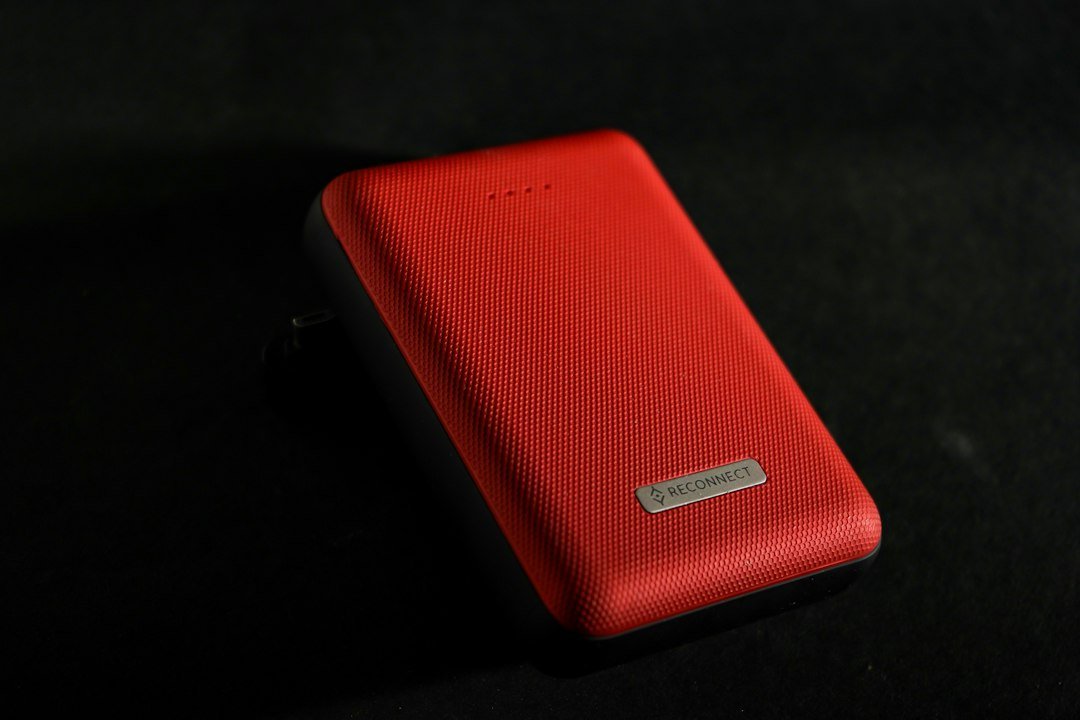
Pass-through charging means a power bank can supply a connected device while the bank is itself connected to a charging source. Whether your particular bank supports that arrangement depends on its exact model, input conditions, and output-port rules. Two sockets, a USB-C connector, or an impressive maximum-wattage number are not enough to establish support.
Start with the manufacturer’s instructions for the product you own. This guide provides a documentation-based checking workflow, not a hands-on test or a universal charging recommendation. If the manufacturer says simultaneous charging is unsupported, use separate charging instead of trying to force the feature through a different cable combination.
First distinguish the question you are trying to answer
There are three different questions: can the bank recharge, can it charge your device, and can it do both together? A product may perform the first two functions separately without supporting the third. Establishing ordinary input and output operation gives you useful observations, but it does not prove that the combined arrangement is permitted.
Also distinguish a phone connected through the bank from two devices connected directly to a multiport wall charger. Those are different power paths. If a suitable charger can supply both devices directly under its documented port-sharing rules, you may not need a pass-through arrangement at all.
Find the exact product, not just the brand
Record the model number printed on the bank and locate its current official manual or support page. Compare photographs, port labels, and included cables with the product in your hand. Similar commercial names can conceal different generations, capacities, or port arrangements.
Search the documentation for simultaneous charging, pass-through, charging while recharging, or equivalent terminology. Read the surrounding conditions rather than only the feature heading. Keep the source address and date with your notes so that a support representative can see which instructions you followed.
If documentation is missing, ask the manufacturer a precise question: does model X support recharging through input Y while powering device Z through output A, using charger B? That is more useful than asking whether an entire brand supports pass-through. Do not treat an answer about another model as permission for yours.
Two Anker examples show why model-specific evidence matters
The Anker 313 Power Bank FAQ says that model does not support pass-through charging. It also identifies its USB-C port as input-only. A USB-C socket on that product is therefore not evidence that it can supply your phone through the same connector.
By contrast, Anker’s 25K, 165W model guidance describes conditional support: input must reach at least 20W, and the available output depends on the input range and ports used. The page includes a configuration table rather than an unconditional maximum-output promise.
Those statements are not interchangeable brand-wide rules. The older 313 page uses broad wording about power banks, while the newer model-specific page documents an exception. Apply each instruction only to the named product. This guide checked both pages on October 20, 2026; future models still require their own documentation.
Read the input specification separately from output marketing
A bank’s advertised maximum output does not tell you what it accepts from a charger or what it delivers while recharging. Make three columns in your notes: supported input, standalone output, and simultaneous-charging output. Leave a column unresolved if the manufacturer has not documented it.
For the cited 165W model, Anker says input below 20W leaves the bank recharging itself without activating pass-through. It also says the bank limits output when the requested output would exceed input. These are that model’s operating rules, not a universal formula for every power bank.
A charger label stating a high total wattage does not establish the power negotiated by one connected product. Check the charger’s supported profiles, the bank’s input requirements, the selected port, and the cable specifications. If the documents do not establish compatibility, ask support before buying an accessory to solve an unidentified mismatch.
One output and several outputs can have different limits
Look for the manufacturer’s table for the exact input range and number of connected outputs. A single-port figure may change when another device is attached. Do not assume that three outputs can each deliver the value advertised for one output operating alone.
Write down which device uses each port. If a phone, tablet, and headphones are connected together, the relevant configuration is the combined arrangement, not three independent single-device examples. Compare the devices’ requirements with the documented shared limits before expecting the same charging behavior.
A cable that physically connects two products does not answer the port-direction question. Some ports accept input only, some supply output only, and some support both under specific conditions. Follow the labels and manual rather than using connector shape as a substitute for compatibility information.
A checking sequence for an explicitly supported setup
- Confirm the exact bank model and explicit simultaneous-charging support.
- Identify the approved charging input and permitted device outputs.
- Check compatible charger, cable, and shared-power conditions.
- Follow the manufacturer’s connection sequence and operating instructions.
- Observe the indicators specified by that model’s manual.
- Compare the observed behavior with the documented mode, then stop if it is abnormal.
This is a documentation checklist, not permission to experiment on an unsupported bank. Do not open the case, bridge ports, invent a reset sequence, or replace approved accessories with improvised wiring. When the instruction is unclear, the unresolved step belongs with manufacturer support.
Keep the initial observation simple. Record the bank’s indicated state, the device’s charging indication, the charger model, and the ports used. Change only one approved component at a time if support requests a comparison. A note identifying the changed component is more useful than repeatedly reconnecting everything without a record.
If the bank recharges but your device does not
First check whether simultaneous operation is actually supported and whether the documented activation conditions are satisfied. A bank recharging itself while leaving its outputs inactive may be operating as specified. The cited 165W model’s below-threshold behavior illustrates why that distinction matters.
Next compare the selected output with the device’s requirements and any shared-port limits. If the bank can charge the device on battery power but not while refilling, report that exact difference. Do not assume the device, battery cells, or cable must be defective from the combined-mode symptom alone.
Our power-bank charging troubleshooting guide separates ordinary input failures from output failures. Use it for those separate symptoms, while retaining the model-specific pass-through restrictions when returning to the combined arrangement.
If charging becomes slower or intermittent
Compare the manufacturer’s simultaneous-mode output allowance with its standalone output allowance. A lower documented limit may explain slower charging without establishing a fault. Device activity also changes what you observe: a phone being used heavily is a different situation from an idle device, so record that context.
Repeated disconnections, unusual heat, a damaged socket, or a visibly damaged bank require the manufacturer’s handling guidance rather than repeated attempts to keep the connection active. Do not hold a loose connector at an angle and treat that as a successful permanent setup. An intermittent connection is an observation to report, not a reason to improvise a repair.
Do not estimate a universal lifespan penalty from one support warning. The power-bank lifespan guide discusses condition and replacement questions separately. A model’s support statement is more specific than a claim that every supported pass-through use shortens every battery by the same amount.
Pass-through does not automatically mean uninterrupted backup
The ability to supply a device while connected to a charger does not establish what happens when the charger loses power. Before relying on continuity, seek explicit manufacturer documentation for that exact transition and the requirements of the connected equipment. Do not infer a transfer time from an ordinary charging feature.
For a router, computer, or other important load, ask whether the proposed product is approved for the intended backup role and how the entire arrangement should be verified. Do not discover the answer by interrupting an important session. A separate backup plan may be more appropriate when continuity is essential and documentation is absent.
Likewise, this article provides no medical-device backup assurance. A capacity calculation or charging indicator is insufficient evidence for that role. Use equipment-provider guidance and an appropriate validated backup arrangement rather than treating a consumer charging feature as a universal emergency-power system.
Choose the arrangement that solves your actual problem
For a travel charging stop, write down the time available and which item must be ready first. If simultaneous mode reduces output to the priority device, charging it directly may better match your schedule. If only one socket is available, compare a suitable documented multiport charger with the added complexity of routing power through a bank.
For overnight preparation, check the permitted operating conditions and the manufacturer’s instructions rather than assuming a convenient arrangement is intended for indefinite use. Keep the decision about port convenience separate from claims about battery health or uninterrupted backup. Those require their own evidence.
Stored energy is a different question again. A large capacity number does not establish fast input or conditional output. Our Wh versus Ah explanation helps read those capacity labels without confusing energy with charging power.
Frequently asked questions
Can any USB-C bank charge a phone while recharging?
No universal permission follows from USB-C. Confirm the exact model’s port directions, explicit support, and operating conditions. If those facts are missing, keep simultaneous use unverified rather than assuming that a successful cable connection proves it is supported.
Will a bigger wall charger always fix the problem?
No. A charger cannot add a feature the bank does not support. For a supported product, the negotiated input and compatible profiles matter more than the largest number printed on the adapter. Identify the documented mismatch before purchasing a replacement.
How do I know the setup is working as intended?
Compare the bank and device indications with the exact manual, confirm the approved ports and input conditions, and keep a short observation log. Ask support about unexplained behavior. Seeing a charging symbol alone does not prove the whole arrangement meets every manufacturer’s requirement.
What should I ask before buying?
Request the exact model, simultaneous-charging support document, permitted input/output combinations, included cables, and any relevant limitations. Explain the devices and backup role you intend. A useful answer should address that configuration, not merely repeat a maximum-wattage headline.
Featured photo: Sai Balaji Varma Gadhiraju via Unsplash. The image is an editorial illustration, not a hands-on test of a specific model.