
The Jackery Explorer 2000 Plus is a modular battery power station, not a fuel-burning generator. For the US JE-2000C model, Jackery lists 2,042.8Wh of stored energy and a 3,000W total AC output. Its main attraction is expansion: a buyer can add compatible batteries and, with the required paired-unit system, build a different power configuration. The important question is whether that configuration matches your loads, budget and installation—not whether a headline says “whole home.”
This is a research-based buying and planning guide checked against Jackery’s current US product and support information on October 15, 2026. We have not performed a hands-on runtime test. The calculations below are transparent examples, not manufacturer-certified operating times or promises that a particular refrigerator, pump or air conditioner will start.
Check the exact product and condition before comparing prices
Do not treat Explorer 2000 Plus, Explorer 2000 V2, Explorer 2000 Pro and HomePower 2000 Plus v2 as interchangeable names. Jackery’s comparison guidance distinguishes the older Explorer models by output, chemistry and expansion capability. A listing for one cannot establish the limits of another.
The current Explorer 2000 Plus sales page mixes several configurations, including refurbished kits. The page also promotes the newer HomePower model. Before paying, capture the selected configuration, condition, included batteries, panel count, cable list and warranty. A price attached to a six-kilowatt-hour refurbished kit is not a reliable price for one new base unit.
The distinction can outweigh a nominal discount. If your quote includes extra batteries but lacks the charging accessories required for your intended setup, its usable value differs from a complete kit. Compare the final cart and written warranty for the actual selection, not a crossed-out headline price or a customer review describing another package.
Separate output watts from stored watt-hours
| Planning item | What it tells you |
|---|---|
| 2,042.8Wh base capacity | The starting energy budget, before conversion losses and reserve |
| 3,000W combined AC output | The total sustained load budget, not a separate allowance for every socket |
| 6,000W peak specification | A transient rating, not permission to run a 6,000W appliance continuously on one unit |
| Compatible expansion batteries | Additional stored energy, not automatic single-unit 240V output |
Suppose your intended simultaneous loads are 120W of refrigeration average consumption, 40W of communications equipment and 60W of lighting. Their energy-planning total is 220W. Starting requirements must be checked separately: an average-energy figure does not describe a compressor’s brief startup demand. Likewise, a plug that physically fits does not establish electrical compatibility.
Build a realistic runtime worksheet
For a first screening calculation, choose an explicit usable-energy assumption rather than dividing the battery label by an appliance’s nameplate and calling the result guaranteed. For illustration only, assume 80% of the base battery’s energy reaches the planned loads after allowing generally for losses and reserve. This is not a measured Explorer 2000 Plus efficiency.
The arithmetic is 2,042.8Wh × 0.80 = 1,634.24Wh. Divide that illustrative allowance by the average combined watts:
| Hypothetical continuous average load | Calculated time |
|---|---|
| 100W | 16.34 hours |
| 250W | 6.54 hours |
| 500W | 3.27 hours |
| 1,500W | 1.09 hours |
These are alternative scenarios, not simultaneous claims. Real results depend on the operating mode, battery condition, temperature, load behavior and the unit’s own consumption. Our 80% factor does not model those effects separately. For low loads or long unattended periods, measure your own setup and keep additional margin rather than treating the table as a scheduling guarantee.
For cycling appliances, measure energy over a representative period. If a refrigerator uses 600Wh across six hours in an illustrative test, its average is 100W, even though its compressor draws more while running. Door openings, ambient temperature and defrost cycles can change the next period. Our refrigerator starting-watts guide explains why energy consumption and startup compatibility need different checks.
Decide whether expansion solves your actual problem
Jackery’s dedicated expansion FAQ says one Explorer 2000 Plus supports up to five compatible battery packs. The base unit plus one nominal 2,042.8Wh pack gives 4,085.6Wh of nameplate energy by arithmetic. With the same hypothetical 80% allowance, that would be 3,268.48Wh: approximately 13.07 hours at a constant 250W before any further setup-specific allowance.
Expansion can address an energy shortfall, but it should not be used to explain away the wrong voltage, a missing installation component or an incompatible appliance. First ask why the original plan fails. If the load is too large at startup, doubling stored watt-hours is a different intervention from increasing the available output configuration.
Plan transport as well as capacity. The base unit is listed at about 61.5 pounds. Additional batteries are separate heavy objects, not extra energy without extra handling. Think through stairs, storage, cable clearance and who will move the equipment. A system that is easy to wheel across a showroom may be awkward in a narrow closet or raised RV storage bay.
Understand the 240V and parallel-operation boundary
Jackery’s current 240V FAQ states that the Explorer 2000 Plus needs two identical units connected in parallel to provide 240V. Do not infer that a second battery pack is equivalent to a second power station. The support comparison describes paired operation using a dedicated connector; buy only the specified compatible arrangement.
This matters especially for a well pump or other hardwired load. Write down its voltage, running requirements and startup information, then have the proposed system reviewed before buying accessories. Do not assume that a large wattage number on a carton makes a single unit appropriate for every household circuit.
For a different Jackery architecture, our Explorer 5000 Plus planning guide covers that separate model. Compare the actual configuration and connection requirements, not just the numbers in the product names. Neither article is a substitute for the equipment manual or an installer’s load assessment.
Plan charging around the available source
Jackery’s JE-2000C support table lists roughly two hours for AC charging and roughly 25 hours from the ordinary car-charging route. Its solar examples vary with panel configuration. Those figures should be treated as manufacturer estimates for their stated arrangements, not a guaranteed daily recovery schedule.
Write an energy balance for your use case. For example, four hours at a hypothetical average solar input of 300W represents 1,200Wh before charging losses. Running 200W of loads during those same four hours consumes 800Wh. The simple difference is only 400Wh before other losses, not the 1,200Wh someone might assume from looking only at incoming power.
That example is not a weather forecast or a measured Jackery solar result. It shows why an outage plan needs both load and charging columns. Have an alternative plan for a cloudy day, obstructed panels or an unavailable wall outlet. Do not base essential coverage on the best solar result photographed in an advertisement.
Verify panels and connectors before ordering
The current support information specifies input limits and model-dependent panel connection rules. Do not improvise a roof-array connection or combine panels merely because an adapter fits. Get written confirmation of the approved panel models, quantities and accessories for your exact unit and layout.
A useful supplier question is: “Does this complete panel-and-cable configuration meet the input requirements for my US JE-2000C?” Include the panel labels and the intended connections. Ask for a clear answer about warranty implications as well. Jackery’s sales FAQ discourages unverified third-party panels; a generic online wiring diagram is not manufacturer approval.
Keep the power station protected from water and allow the ventilation required by its instructions. A solar panel’s weather-resistance rating does not automatically apply to the battery enclosure, plugs, extension connections or the entire installation.
EPS is not a universal no-interruption guarantee
The JE-2000C support page describes EPS switching within 20 milliseconds and explicitly distinguishes it from instantaneous, zero-millisecond switching. Jackery’s current product safety FAQ also excludes life-critical, safety-critical and mission-critical uses, including medical devices and critical data equipment.
If a computer or network device must remain running without a reset, establish the device’s requirements and an appropriate protected-power design rather than assuming the word EPS settles compatibility. For ordinary noncritical loads, verify the behavior during a planned, safe test before depending on it during an outage. Do not test interruption tolerance on medical equipment.
Keep household connections and fuel generators safe
Never energize home wiring through a wall socket or a male-to-male cord. CPSC warns that this backfeeding practice can create electrocution and fire hazards. A household connection needs appropriately designed equipment and qualified installation; this guide does not provide DIY panel-wiring instructions.
A battery station also does not make an attached fuel generator safe indoors. If your recharge plan involves a combustion generator, CDC guidance is to keep that generator outdoors, more than 20 feet from the home and away from openings. Open doors or windows do not make a garage an acceptable operating location. Our backfeeding dangers guide covers why an outlet is not a substitute for a safe transfer arrangement.
Acceptance checks before relying on the system
- Match the delivered model, condition and accessories against your order.
- Read the exact unit’s instructions and charging/environmental limits.
- Charge through an approved source and investigate any error before adding loads.
- Connect a small, noncritical load first, then evaluate the intended combination within the stated limits.
- Measure a representative operating period and compare the observed energy use with your worksheet.
- Record the configuration, test conditions, remaining reserve and any error messages.
If an overload appears, reduce the load and follow the manual’s recovery procedure; do not repeatedly force the same failing combination. If runtime disappoints without an error, look for an underestimated average load, extra devices or a different operating pattern before concluding the advertised capacity is necessarily false.
Buying verdict and common questions
The Explorer 2000 Plus is worth evaluating when its modular architecture addresses a documented backup requirement. It is a weaker fit when you need a lightweight daily carry, a guaranteed single-unit 240V solution or an expansion plan whose complete cost you have not checked. Request a configuration-specific quote before choosing it over a newer model.
Does “solar generator” always include panels?
No package should be assumed from the phrase alone. Check the selected bundle’s itemized contents, since the sales page offers different kits.
Will five batteries make every appliance compatible?
No. More stored energy does not remove the need to match voltage, starting demand, output limits and connection requirements.
Is a refurbished warranty the same as a new-unit warranty?
Do not assume so. The current product FAQ distinguishes refurbished coverage from new-product terms. Confirm your selected offer in writing before purchase.
Official references
- US product configurations and safety FAQ
- JE-2000C specifications and EPS limitations
- Maximum compatible battery packs
- 240V model requirements
- Explorer model comparison
- CDC fuel-generator safety
- CPSC backfeeding and dangerous cords warning
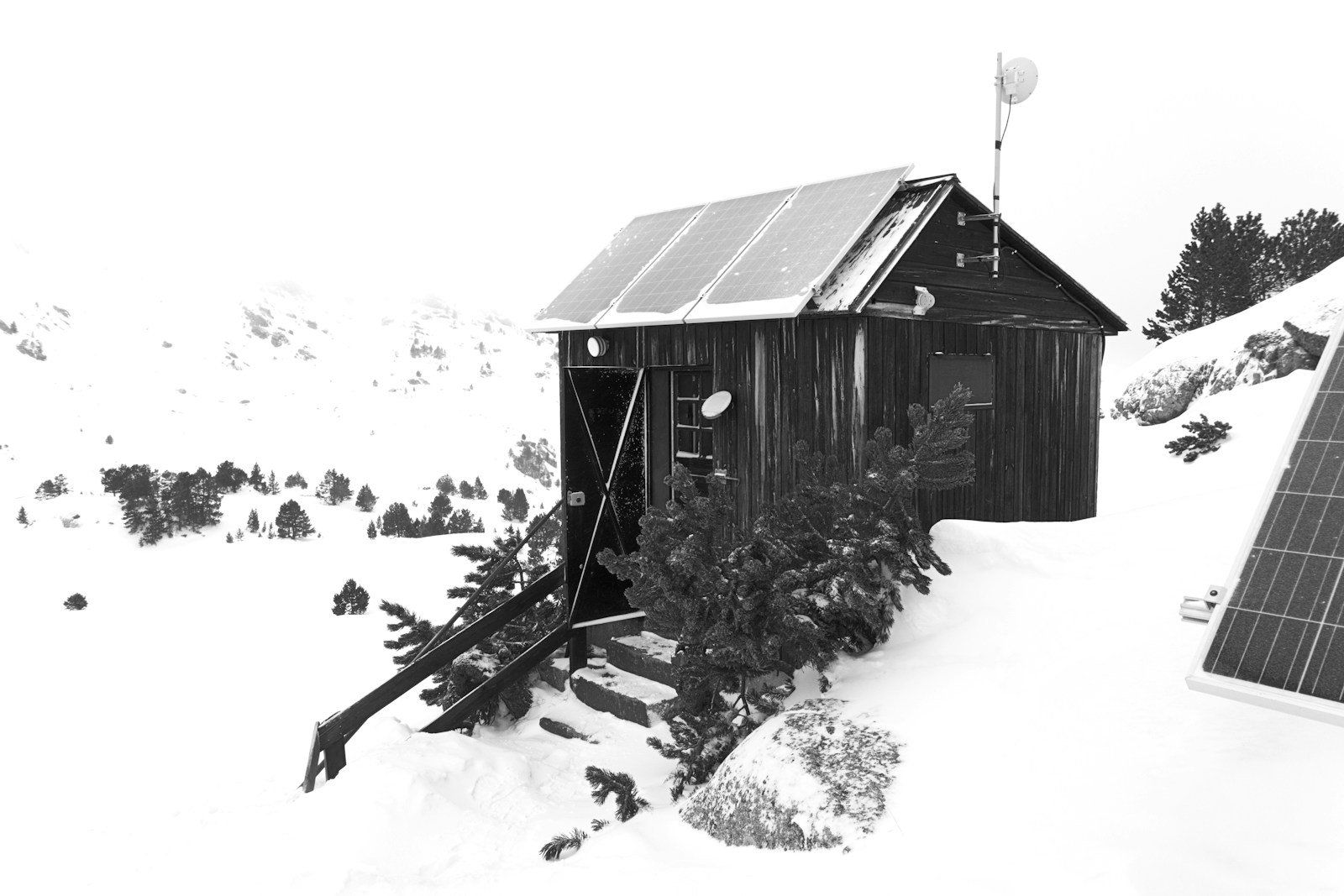
Editorial photograph: Tim Oun / Unsplash. A solar-equipped cabin illustrates off-grid planning; it does not show an Explorer 2000 Plus installation or a product test.
1 thought on “Jackery Explorer 2000 Plus: Expansion, Runtime and Buying Checks”