
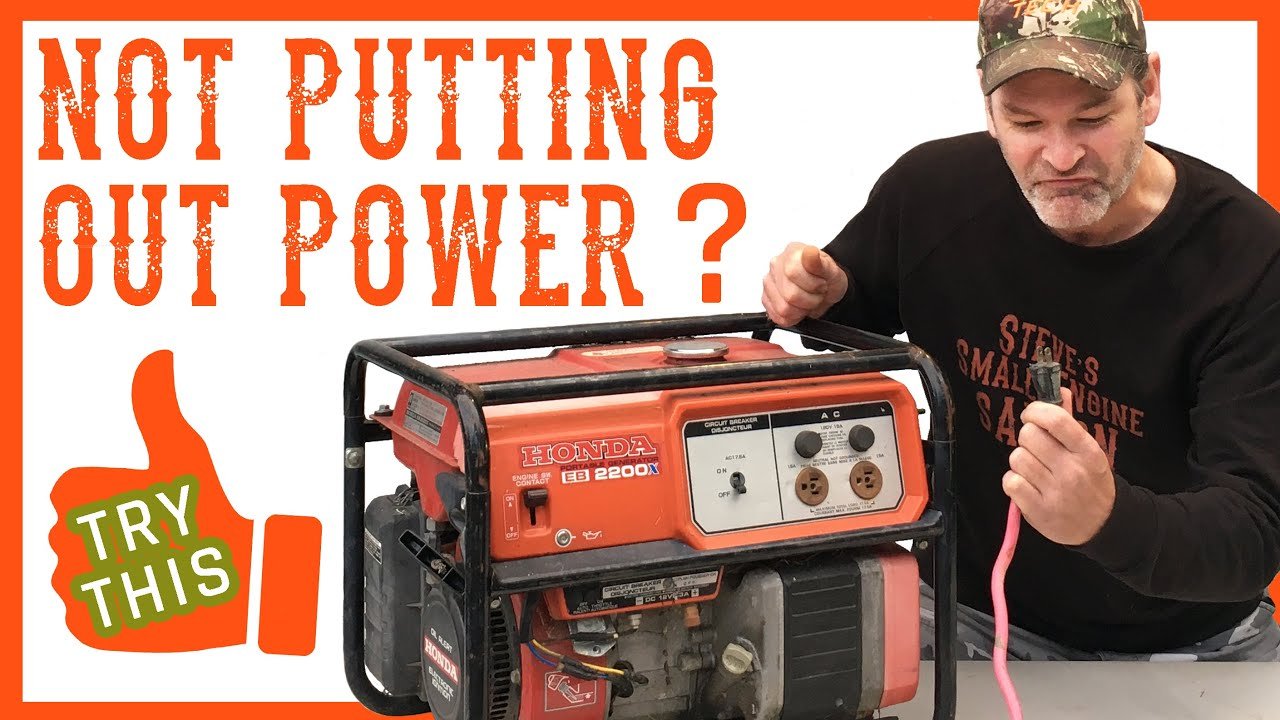
Is your generator refusing to produce power? You’re not alone.
This frustrating issue can leave you feeling helpless, especially when you rely on your generator for backup energy. Whether it’s for home use during an outage or for your outdoor adventures, a non-functioning generator can disrupt your plans and peace of mind.
We’ll explore the common reasons why your generator might not be working and provide practical solutions to get it up and running again. Don’t let power loss hold you back. Keep reading to discover how to troubleshoot the problem and regain control over your energy needs. Your reliable power source is just a few steps away!
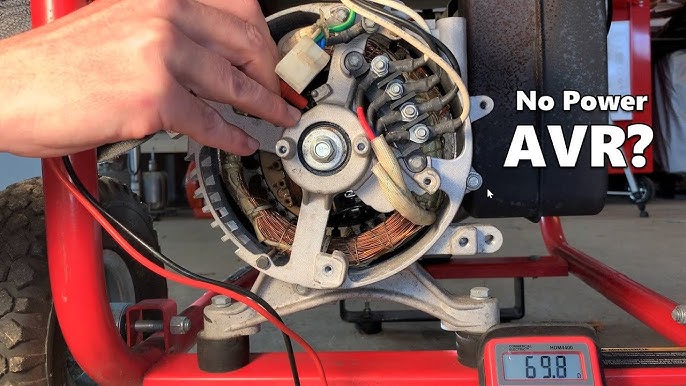
Credit: www.youtube.com
Common Causes Of Power Failure
Generators may fail to produce power for various reasons. Understanding these causes helps in quick fixes and maintenance. Below are some common issues that can lead to power failure.
Fuel System Issues
Fuel system problems are often the main cause of power failure. Low fuel levels can stop the generator. Clogged fuel filters restrict fuel flow. Old or contaminated fuel can also cause issues. Always check the fuel system regularly.
Electrical Connection Problems
Loose or damaged electrical connections can lead to power failure. Corroded terminals can disrupt the current flow. Damaged wires can also prevent the generator from working. Inspect all electrical connections frequently.
Mechanical Failures
Mechanical failures can prevent a generator from producing power. Worn-out parts like bearings or brushes may need replacement. Overheating can damage internal components. Regular maintenance helps identify mechanical issues early.
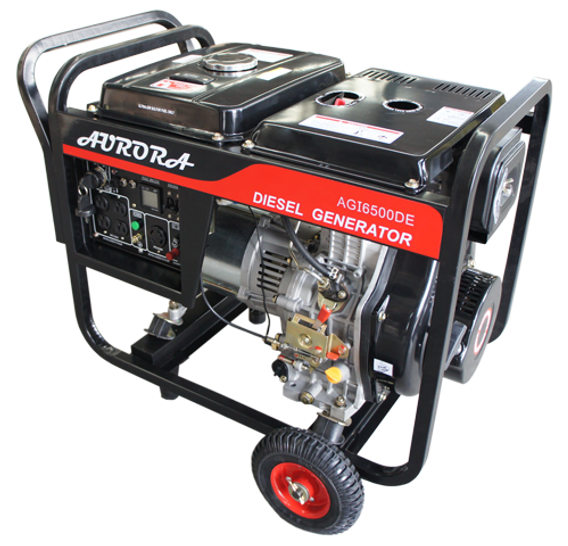
Credit: www.auroragenerators.com
Signs Your Generator Needs Attention
Generators help keep your power on. They provide backup when the main power goes out. Sometimes, generators can face problems. Spotting issues early can save you trouble later. Here are some signs your generator needs attention.
Unusual Noises
Listen closely to your generator. Strange sounds can mean trouble. Grinding, rattling, or clanking noises are red flags. These sounds may indicate loose parts. They can also signal internal damage. Addressing these noises quickly can prevent bigger issues.
Irregular Voltage Output
Your generator should provide steady voltage. Fluctuations in power can disrupt appliances. Check if lights flicker or appliances run poorly. These signs mean your generator is struggling. Testing the voltage output regularly can catch problems early.
Difficulty Starting
A generator should start easily. If it struggles to start, something is wrong. This could be a weak battery or fuel issue. It may also indicate wear in engine components. Regular maintenance helps ensure smooth operation.
Step-by-step Troubleshooting Guide
Generators may stop producing power for various reasons. Follow this guide to identify the problem. Each step will help you find a solution.
Inspect Fuel Levels
Start by checking the fuel tank. Low fuel can stop the generator. Make sure there is enough fuel for it to run.
Check the fuel type too. Using the wrong fuel can cause issues. If the fuel is old, replace it.
Check Circuit Breakers
Circuit breakers can trip for several reasons. Inspect the breakers for any signs of damage. If a breaker is tripped, reset it.
Make sure the connections are secure. Loose connections can cause power loss. If breakers continue to trip, seek professional help.
Examine Wiring And Connections
Look at the wiring closely. Damaged wires can interrupt power flow. Repair any frayed or broken wires.
Ensure all connections are tight and secure. Loose connections can lead to failures. Check for corrosion on terminals as well.
Assess Load Capacity
Generators have a specific load capacity. Overloading the generator can cause it to fail. Review what devices you are running.
Make sure the total wattage is within limits. Disconnect some devices if needed. This can help restore power production.
Essential Tools For Diagnosing Issues
Diagnosing a generator that won’t produce power requires essential tools. A multimeter helps check voltage levels. A fuel pressure gauge can assess fuel flow. Using these tools simplifies troubleshooting and aids in identifying the issue quickly.
Diagnosing issues with your generator can be a daunting task, especially when it won’t produce power. Having the right tools at your disposal makes all the difference. Let’s look at some essential tools that can help you pinpoint problems quickly and effectively.Multimeter
A multimeter is a must-have tool for anyone troubleshooting a generator. This device measures voltage, current, and resistance, giving you valuable insights into the electrical components of your generator. You can test the battery voltage to see if it’s supplying enough power. If it’s low, charging or replacing the battery may be necessary. Additionally, checking the output voltage from the generator can reveal if the issue lies within the generator itself.Wrenches And Screwdrivers
Having a set of wrenches and screwdrivers allows you to access and tighten various components of your generator. Loose connections can often lead to power issues. Start by examining the battery terminals and other connections. Using the right tools, you can easily tighten any loose screws or bolts. This simple step can sometimes resolve your power problems without further complications.Fuel Pressure Gauge
A fuel pressure gauge is vital for diagnosing fuel delivery issues. Insufficient fuel pressure can prevent your generator from starting or producing power. Attach the gauge to the fuel line and check the pressure reading. If it’s below the manufacturer’s specifications, you might need to inspect the fuel pump or filter. Don’t overlook this tool; it can save you time and frustration by ensuring that fuel is reaching the engine as it should. Keep these tools handy, and you’ll be better equipped to tackle any generator issues that arise. What tools have you found most helpful in your troubleshooting?Preventative Maintenance Tips
Preventative maintenance is crucial for ensuring your generator runs smoothly and reliably. Neglecting routine upkeep can lead to unexpected failures and costly repairs. Here are some essential tips to keep your generator in top shape and prevent it from failing to produce power.
Routine Inspections
Conducting routine inspections can save you from major headaches. Check for any visible wear and tear, including rust or leaks. Listen for unusual sounds while the generator is running; these can be early indicators of potential issues.
Make it a habit to inspect the battery connections regularly. Loose or corroded connections can disrupt power generation. A quick visual check can often prevent a breakdown.
Scheduled Oil Changes
Regular oil changes are vital for keeping your generator’s engine healthy. Old oil can become sludgy and lose its effectiveness, leading to engine wear. Stick to a schedule; changing the oil every 50-100 hours of operation is a good rule of thumb.
Use the right type of oil recommended by the manufacturer. This simple step ensures optimal performance and longevity. Remember, fresh oil can make a significant difference in how well your generator operates.
Cleaning Air Filters
Clogged air filters can restrict airflow and affect your generator’s efficiency. Check and clean the air filters every month, especially if you use the generator frequently. A clean filter can enhance performance and prolong the life of the engine.
Replace the filters as needed, particularly if they show signs of damage or excessive dirt. Investing a few minutes in this task can save you from larger problems down the road. Are you ready to give your generator the attention it deserves?
When To Call A Professional
A generator that won’t produce power can signal a serious problem. Call a professional if you notice unusual noises, leaks, or if the unit has not been maintained. Getting expert help ensures safety and proper repairs.
When your generator won’t produce power, it can be frustrating and stressful. Knowing when to call a professional can save you time, money, and potential hazards. Here are key indicators that it’s time to reach out for expert help.Persistent Failures
If your generator frequently fails to start or produce power, it’s a clear sign something is wrong. Repeated issues can stem from various problems, including fuel supply issues or worn-out components. Ignoring these failures may lead to more significant damage and higher repair costs down the line. Think about it: how many times have you tried to fix something yourself, only to find it needed a professional touch? If your generator is becoming a regular headache, don’t hesitate to call an expert.Complex Electrical Problems
Generators involve intricate electrical systems. If you notice flickering lights or fluctuations in power output, it might indicate deeper electrical issues. These problems can be tricky to diagnose without specialized knowledge. Attempting to tackle complex electrical issues can lead to further complications. When in doubt, it’s better to call a professional who can accurately assess the situation and offer solutions. Ask yourself: is this a problem I can safely solve, or is it time to get an expert involved?Safety Concerns
Safety should always be your top priority. If you smell gas, hear unusual noises, or see sparks, stop using your generator immediately. These signs can indicate dangerous problems that require immediate attention. Calling a professional can ensure that your generator is not only fixed but also safe to use. Have you ever thought about the potential risks? Taking the safe route can prevent accidents and keep your home secure. Don’t wait for a small issue to escalate into a hazardous situation.
Credit: www.professionalservicestoday.com
Frequently Asked Questions
Why Won’t My Generator Start Producing Power?
There could be several reasons your generator won’t produce power. Common issues include a lack of fuel, a faulty battery, or a damaged spark plug. Additionally, check if the circuit breaker is tripped. Regular maintenance can prevent these problems and ensure optimal performance.
What Causes A Generator To Lose Power?
Generators can lose power due to fuel issues, mechanical failures, or electrical faults. Clogged filters, low oil levels, or overheating can also lead to power loss. Always conduct routine inspections and maintenance to identify potential issues early, ensuring your generator operates efficiently.
How Can I Troubleshoot My Generator?
Start troubleshooting by checking the fuel level and ensuring it’s clean. Inspect the battery connections and look for any visible damage. Additionally, check the circuit breaker and replace any blown fuses. If these steps don’t resolve the issue, consult a professional technician for further assistance.
Is It Safe To Use A Generator Indoors?
No, using a generator indoors is extremely unsafe. Generators produce carbon monoxide, which is a lethal gas. Always operate your generator in a well-ventilated outdoor area, away from windows and doors. This practice minimizes the risk of carbon monoxide poisoning for you and your family.
Conclusion
A generator that won’t produce power can be frustrating. Understanding the common issues helps you troubleshoot. Check the fuel level, battery, and connections first. Regular maintenance keeps your generator running smoothly. If problems persist, consult a professional. Knowing these steps can save time and stress.
Keep your generator in good shape for future use. A little care goes a long way. Don’t let a power outage catch you off guard. Stay prepared and keep your home powered.