
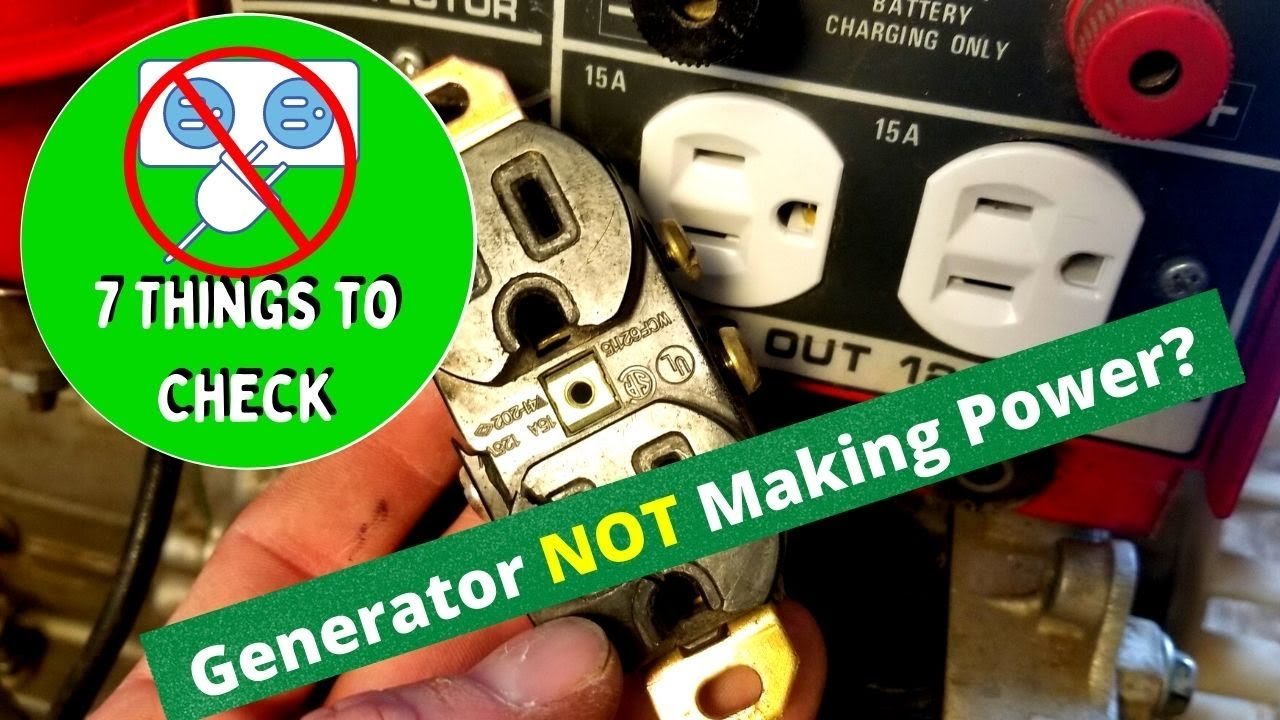
Is your generator suddenly silent when you need it most? If your generator has stopped producing power, you’re not alone.
This frustrating situation can leave you feeling helpless, especially during an outage or emergency. But don’t worry—there are reasons for this issue, and solutions are often within reach. We’ll explore the common causes behind a generator’s failure to produce power and provide you with practical steps to troubleshoot and fix the problem.
Whether you rely on your generator for home backup or outdoor adventures, understanding what’s gone wrong can help you get back on track quickly. Keep reading to regain control and ensure your generator is ready for action when you need it.
Common Causes Of Power Failure
Generators may stop producing power for several reasons. Common causes include low fuel levels, mechanical failures, or electrical issues. Regular maintenance can help prevent these problems and ensure a reliable power supply.
Understanding the common causes of power failure in generators is crucial for anyone relying on this equipment. Identifying the issue quickly can save you time and hassle, ensuring you get back to generating power efficiently. Let’s take a closer look at some frequent culprits that can stop your generator from producing power.Fuel-related Issues
Fuel is the lifeblood of your generator. If your generator stops producing power, the first thing to check is the fuel supply. – Empty Tank: It sounds simple, but make sure you have enough fuel. Running out of gas is a common oversight. – Contaminated Fuel: Old or contaminated fuel can cause your generator to sputter or fail. Always use fresh fuel and store it properly. – Clogged Fuel Filter: A blocked fuel filter can restrict fuel flow. Regular maintenance and timely replacement of filters can prevent this issue. Pay attention to your fuel quality. Have you checked your fuel supply lately?Circuit Breaker Tripped
A tripped circuit breaker is another common reason your generator might stop. This can happen if the load exceeds the generator’s capacity. – Overloaded Circuits: If you’re running too many appliances at once, the generator may shut down. Always know your generator’s limits. – Faulty Wiring: Damaged or loose wiring can cause short circuits. Regular inspections can help catch these problems early. Don’t overlook the circuit breaker. Have you checked it recently?Worn-out Spark Plug
A worn-out spark plug can lead to ignition issues. If your generator cranks but doesn’t start, this may be the culprit. – Signs of Wear: Look for signs of corrosion or damage on the spark plug. Replacing it can be a straightforward fix. – Regular Maintenance: Change your spark plug regularly as part of your generator’s maintenance schedule. Consider how often you inspect your spark plug. Is it time for a replacement?Generator Overload
Overloading your generator can lead to power failure. Each generator has a specified wattage limit, and exceeding it can cause serious issues. – Calculate Your Needs: Before plugging in appliances, ensure the total wattage doesn’t exceed your generator’s capacity. Keep a list of your devices and their wattage. – Use a Power Management System: Investing in a power management system can help distribute the load evenly. This reduces the risk of overload. Are you aware of your generator’s wattage limits? Understanding this can prevent future failures.
Credit: m.youtube.com
Inspecting The Fuel System
A faulty fuel system can cause your generator to stop producing power. Inspect the fuel lines, filters, and tank for clogs or leaks. Ensuring clean fuel flow is essential for reliable generator operation.
Inspecting the fuel system is a crucial step when your generator stops producing power. A malfunction in this area can lead to frustrating power outages. Let’s break down what you need to check to get your generator back up and running.Checking Fuel Levels
Start by looking at the fuel gauge. Is it showing empty? Sometimes, the simplest solution is the right one. If you see low fuel levels, fill up the tank with fresh fuel. Keep in mind that old fuel can cause problems. If your generator has been sitting idle for a while, consider draining the old fuel and replacing it with new. Have you ever run a generator only to realize you forgot to check the fuel? It’s a common oversight. Always make it a habit to check your fuel levels before starting the generator.Examining Fuel Lines For Blockages
Next, inspect the fuel lines. Look for any signs of cracks, leaks, or blockages. A blocked fuel line can prevent fuel from reaching the engine, stopping it from producing power. Use a flashlight to check for debris or dirt in the lines. Sometimes, a simple cleaning can solve the issue. Have you ever found a small blockage that caused a major outage? It’s amazing how much of an impact a tiny obstruction can have. Be thorough in your inspection.Using The Correct Fuel Type
Always use the fuel type recommended by the manufacturer. Using the wrong fuel can lead to poor performance or even damage the generator. Check your user manual if you’re unsure. If you’ve switched fuel types recently, it might be worth reverting to the original. Different fuels have different additives, and some can cause issues with fuel delivery. Have you ever noticed a difference in performance when switching fuels? The right fuel can make a significant impact on your generator’s efficiency. Don’t underestimate its importance.Electrical System Checks
When your generator stops producing power, the issue often lies within the electrical system. Addressing this can seem daunting, but taking a methodical approach can make it manageable. Performing electrical system checks is crucial for diagnosing the problem effectively.
Testing The Battery
The battery is the heart of your generator’s electrical system. Start by checking the battery voltage with a multimeter. A healthy battery should show around 12.6 volts when fully charged.
If the voltage is low, recharge the battery or replace it if it won’t hold a charge. Ensure the battery terminals are clean and securely connected. A loose or corroded connection can lead to power failures.
Inspecting Wiring Connections
Next, examine all wiring connections. Look for signs of wear, corrosion, or damage. Damaged wires can lead to short circuits and power loss.
Ensure all connections are tight and free from rust. A simple visual inspection can reveal issues that may not be immediately obvious. Have you ever faced a sudden power loss and found out it was a loose wire?
Examining The Alternator
The alternator plays a key role in converting mechanical energy into electrical energy. Check for any physical damage or signs of wear.
Listen for unusual noises when the generator is running. This could indicate issues within the alternator. If you notice any problems, it might be time to get it professionally inspected.
Regular checks of your generator’s electrical system can save you from inconvenient power outages. Have you taken the time to perform these checks recently? Keeping your generator in top shape ensures peace of mind when you need power the most.
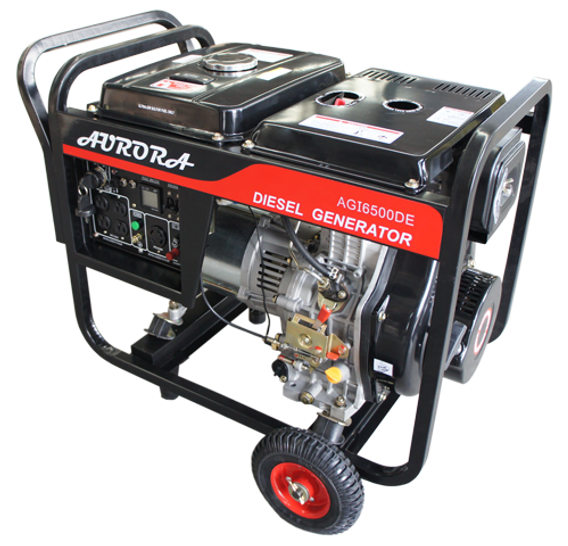
Credit: www.auroragenerators.com
Mechanical Component Assessment
When a generator stops producing power, it may have mechanical issues. Assessing these components is crucial. A careful inspection can reveal the root cause. Let’s break down the key areas to check.
Inspecting The Engine
The engine is the heart of your generator. Start by checking for oil leaks. Look for any unusual noises. These can indicate internal problems. Ensure all connections are secure. Loose parts can cause power loss. Inspect the fuel lines for blockages. A clean engine runs more efficiently.
Checking The Air Filter
The air filter plays a vital role in performance. A clogged filter restricts airflow. This can lead to reduced power output. Remove the filter and inspect it carefully. Clean or replace it if necessary. A clean filter ensures the engine gets enough air. This helps maintain optimal power levels.
Looking For Signs Of Wear And Tear
Look closely at all mechanical parts. Check for rust, cracks, or frayed belts. These signs indicate wear and tear. Replace worn components promptly. Ignoring these issues can lead to bigger problems. Regular maintenance helps extend the life of your generator. Keep it in good shape for reliable power.
Resetting The Generator
Resetting the generator can solve many power issues. A simple reset can bring your generator back to life. Follow these steps to reset your generator safely.
Locating The Reset Button
The reset button is usually near the control panel. Check your user manual for its exact location. It may be labeled clearly as “reset.” Some generators have a red button. Others may have a switch instead.
Steps To Perform A Safe Reset
Start by turning off the generator completely. Unplug any devices connected to it. This helps prevent damage during the reset.
Next, locate the reset button you found earlier. Press and hold the button for a few seconds. Release the button and wait for a beep or a light indicator.
After that, turn the generator back on. Check if it starts producing power again. If it does not, consult the user manual for further troubleshooting steps.
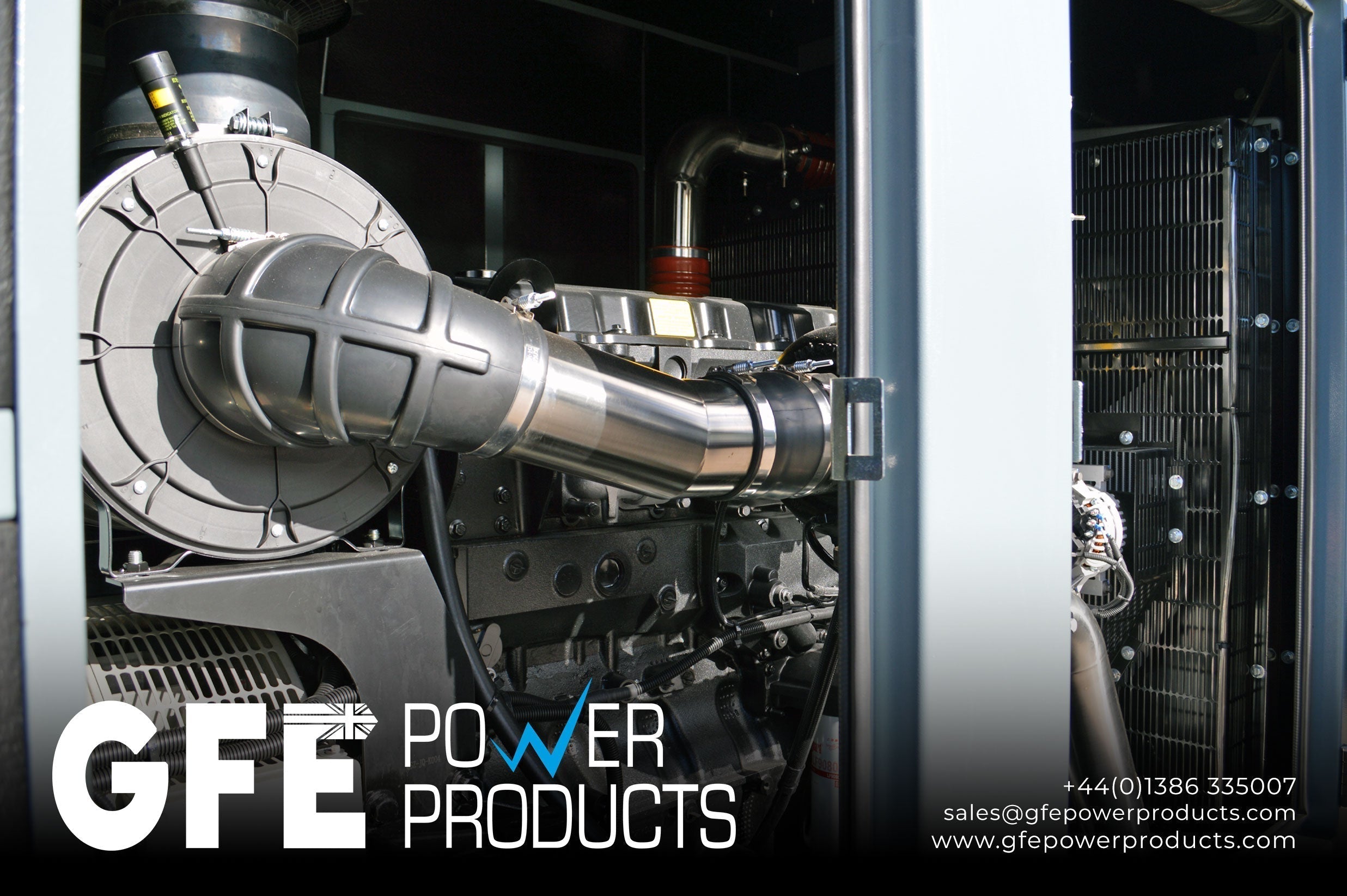
Credit: www.gfepowerproducts.com
Preventive Maintenance Tips
Generators may stop producing power due to several reasons. Regular checks on fuel levels, battery health, and oil changes can prevent this issue. Keeping the generator clean and addressing any unusual sounds or smells also helps maintain its function.
Preventive maintenance is essential for keeping your generator running smoothly and efficiently. Regular upkeep can prevent unexpected breakdowns and costly repairs. Here are some practical tips to ensure your generator remains in top shape.Regular Oil Changes
Changing the oil in your generator is one of the simplest yet most effective maintenance tasks. Fresh oil lubricates the engine components, reducing wear and tear. Aim to change the oil every 50-100 hours of operation or at least once a year, whichever comes first. Consider using high-quality oil specifically designed for generators. This can enhance performance and extend the life of your machine. Don’t forget to check the oil level regularly. A quick glance can save you from bigger issues down the road.Cleaning And Storing Properly
Cleaning your generator helps maintain its efficiency. Dust and debris can clog filters and harm performance. Make it a habit to wipe down the exterior after each use. Proper storage is equally important. If you’re not using your generator for a while, store it in a dry, cool place. Use a cover to protect it from moisture and dust. This simple action can prevent rust and other forms of damage.Scheduling Periodic Inspections
Regular inspections can catch problems before they escalate. Schedule a professional check-up at least once a year. Technicians can identify wear in parts that you might miss, ensuring your generator runs reliably. Ask yourself, when was the last time you had your generator inspected? Keeping a maintenance log can help track service dates and remind you when it’s time for the next check. Staying proactive can save you from being left in the dark when you need power the most.When To Call A Professional
Knowing when to call a professional for your generator can save you time, money, and a lot of stress. Generators are complex machines that require expert knowledge for repairs and maintenance. If your generator has stopped producing power, recognizing the right moment to seek professional help is crucial.
Signs You Shouldn’t Ignore
There are several warning signs that indicate it’s time to contact a technician. Don’t overlook these red flags:
- Unusual Noises:If your generator starts making strange sounds, like grinding or rattling, it’s a sign something is wrong.
- Frequent Breakdowns:If you find yourself calling for repairs more often than usual, it may be time for a professional evaluation.
- Fluctuating Power Levels:Power surges or drops can be harmful to your appliances and signal generator issues.
- Warning Lights:Most modern generators have warning indicators. If one lights up, don’t ignore it!
Have you experienced any of these issues? Ignoring them could lead to more significant problems down the line.
Finding A Qualified Technician
When it’s time to call a professional, finding the right technician is essential. Here’s how to ensure you choose wisely:
- Check Reviews:Look for online reviews and testimonials. Feedback from previous customers can provide valuable insights.
- Ask for Certifications:A qualified technician should have the necessary licenses and certifications. This ensures they are trained to handle generator repairs.
- Get Estimates:Don’t settle for the first quote you receive. Get estimates from multiple technicians to compare services and costs.
Have you had a good experience with a technician? Sharing your story can help others make informed choices.
Knowing when to seek professional help can save you from further complications. Pay attention to your generator’s behavior, and don’t hesitate to reach out to a qualified technician. Your peace of mind is worth it.
Frequently Asked Questions
Why Did My Generator Stop Producing Power?
Generators can stop producing power for several reasons. Common causes include fuel shortages, electrical overloads, or mechanical failures. Inspect the fuel levels, check for tripped circuit breakers, and ensure all connections are secure. Regular maintenance can help prevent these issues and keep your generator running smoothly.
How Can I Troubleshoot My Generator?
Start troubleshooting by checking the fuel levels and connections. Ensure the generator is not overloaded and that the circuit breakers are functioning. Look for any visible damage or wear. If problems persist, consult the user manual or seek professional assistance for in-depth troubleshooting.
What Are Common Signs Of Generator Failure?
Common signs of generator failure include unusual noises, frequent tripping of circuit breakers, and failure to start. Additionally, if the generator produces inconsistent power or emits smoke, these are critical warning signs. Address these issues promptly to avoid further damage and ensure safety.
Can Low Oil Levels Cause Power Loss?
Yes, low oil levels can lead to power loss. Generators require adequate lubrication for optimal performance. If oil levels are too low, the engine may shut down to prevent damage. Regularly check and maintain oil levels to ensure your generator operates efficiently.
Conclusion
A generator that stops producing power can be frustrating. Identifying the cause is key. Check the fuel, connections, and settings first. Simple fixes can often solve the problem. Regular maintenance helps prevent future issues. Knowing how to troubleshoot keeps your generator running smoothly.
Don’t hesitate to seek professional help if needed. Keeping your generator in good shape ensures you have power when you need it most. Stay prepared and stay safe.